
Press kit
Brand & press kit
Everything you need to talk about RepairTree. You're welcome to use these assets in articles, reviews, partner pages and integrations — no permission needed. If you need something that isn't here (a higher-resolution screenshot, a specific colour, a founder quote), just send us a note.
Logos & marks
The wordmark is the preferred mark. Use the light variant on dark backgrounds. The icon-only mark is for avatars, badges, partner co-marks, and anywhere the wordmark won't fit. Give the logo room to breathe — keep at least the height of the leaf mark as clear space on every side.













Carousel · 4 × 1:1
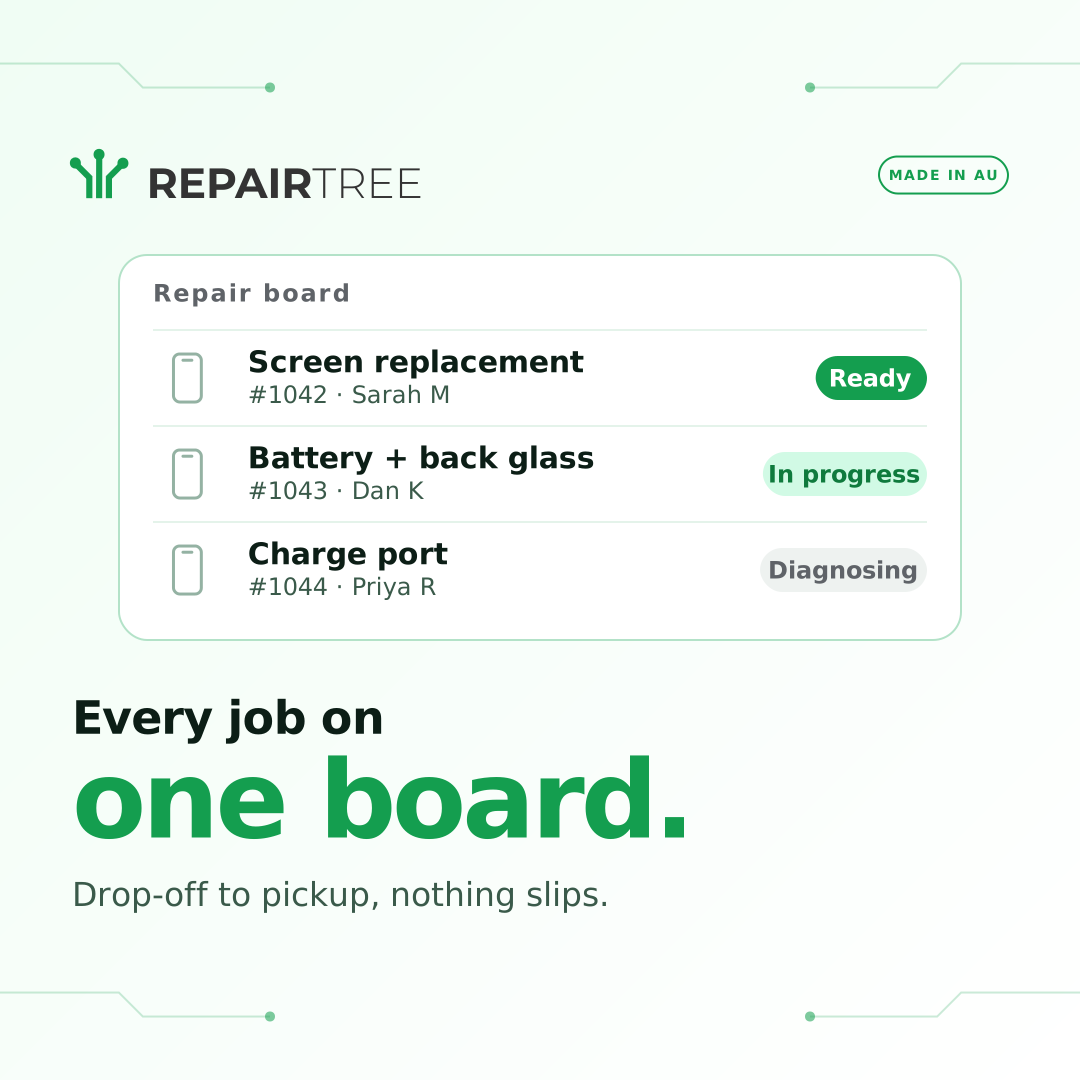
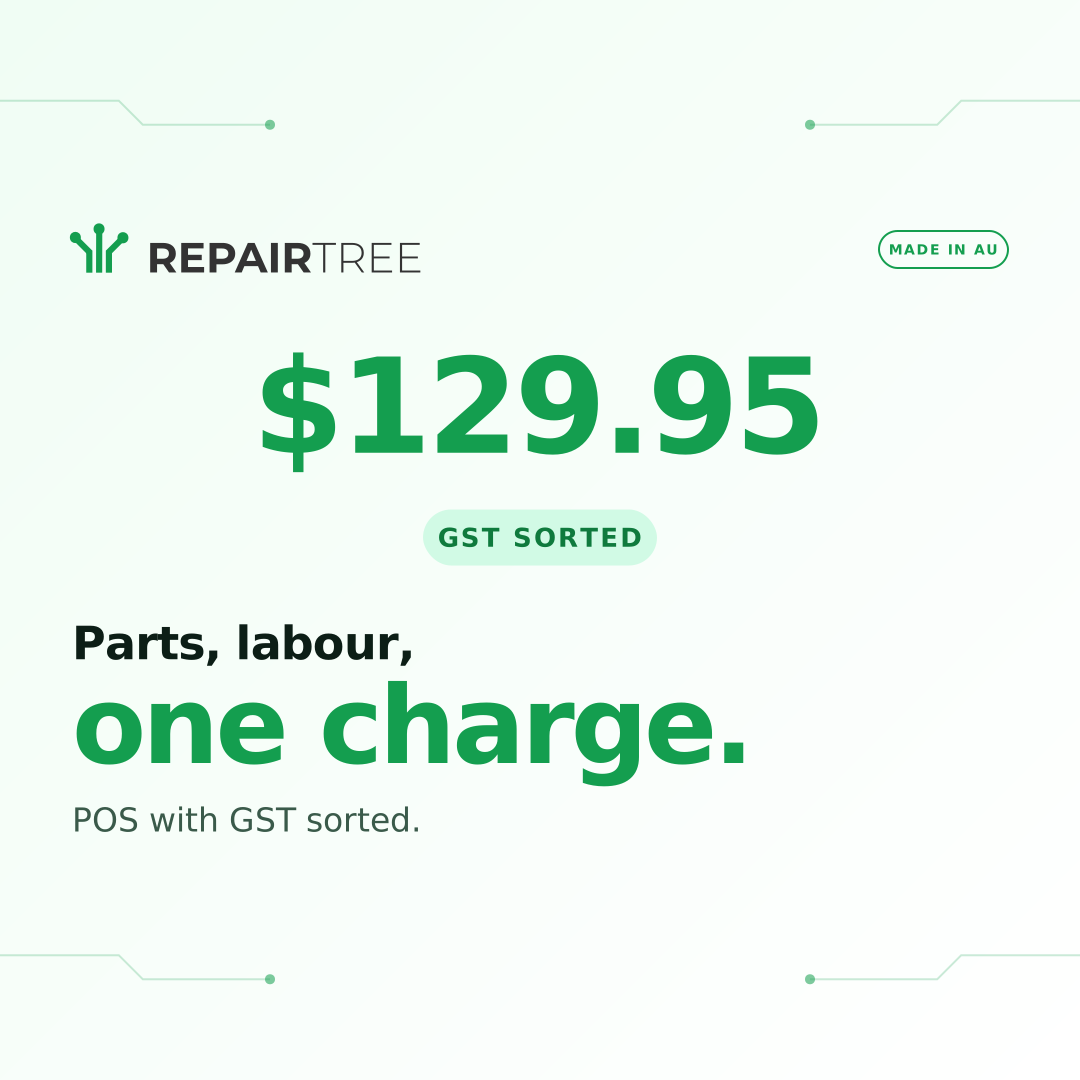
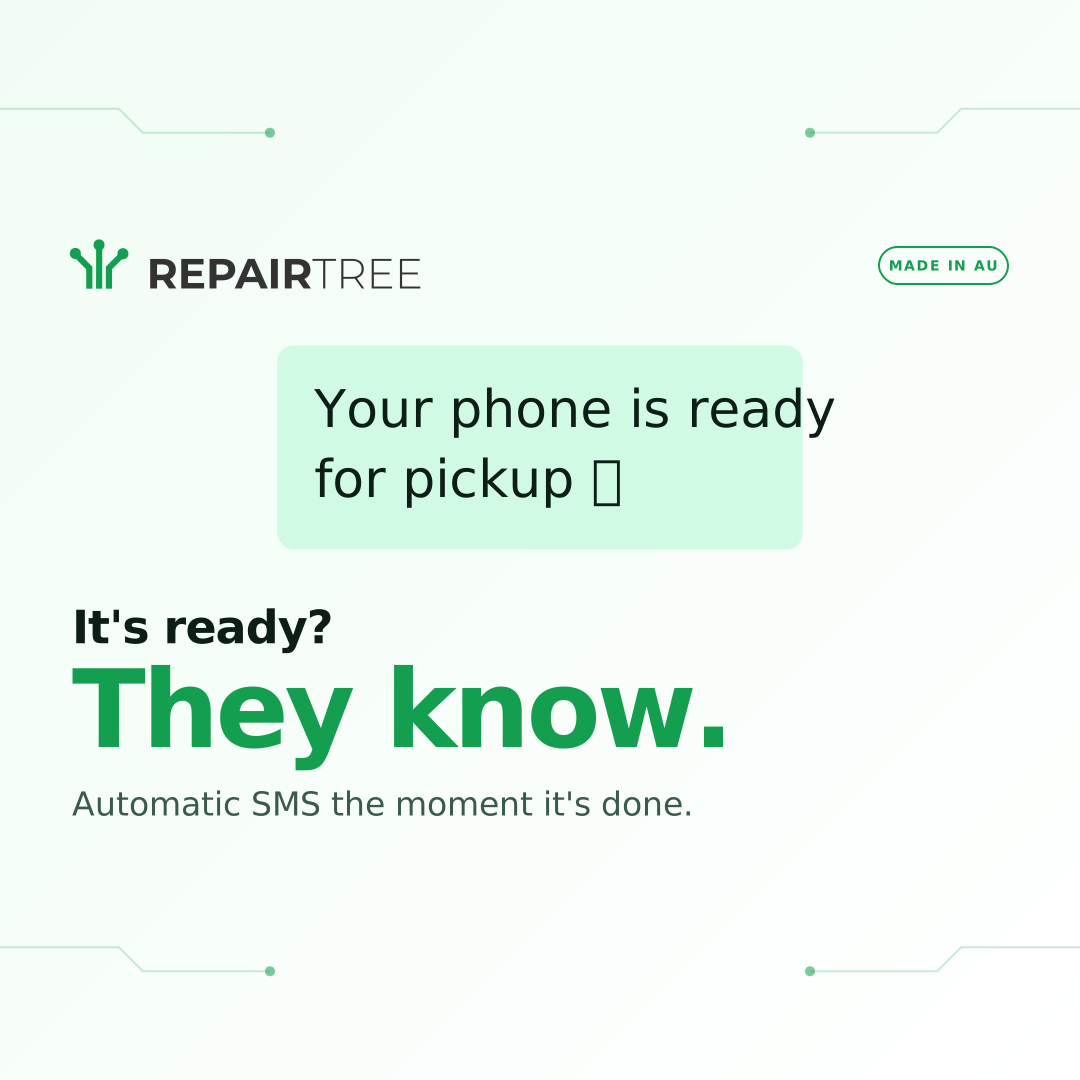
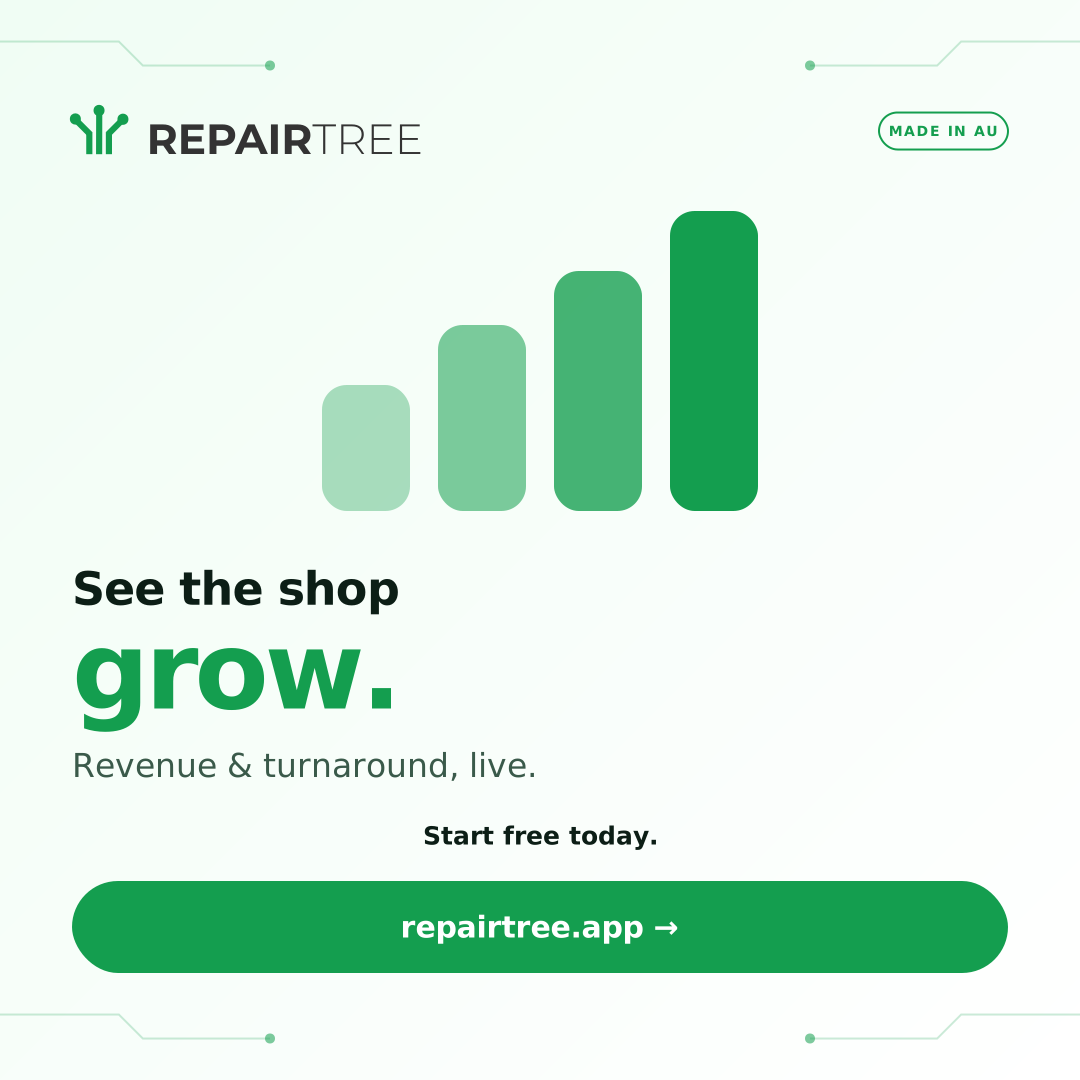
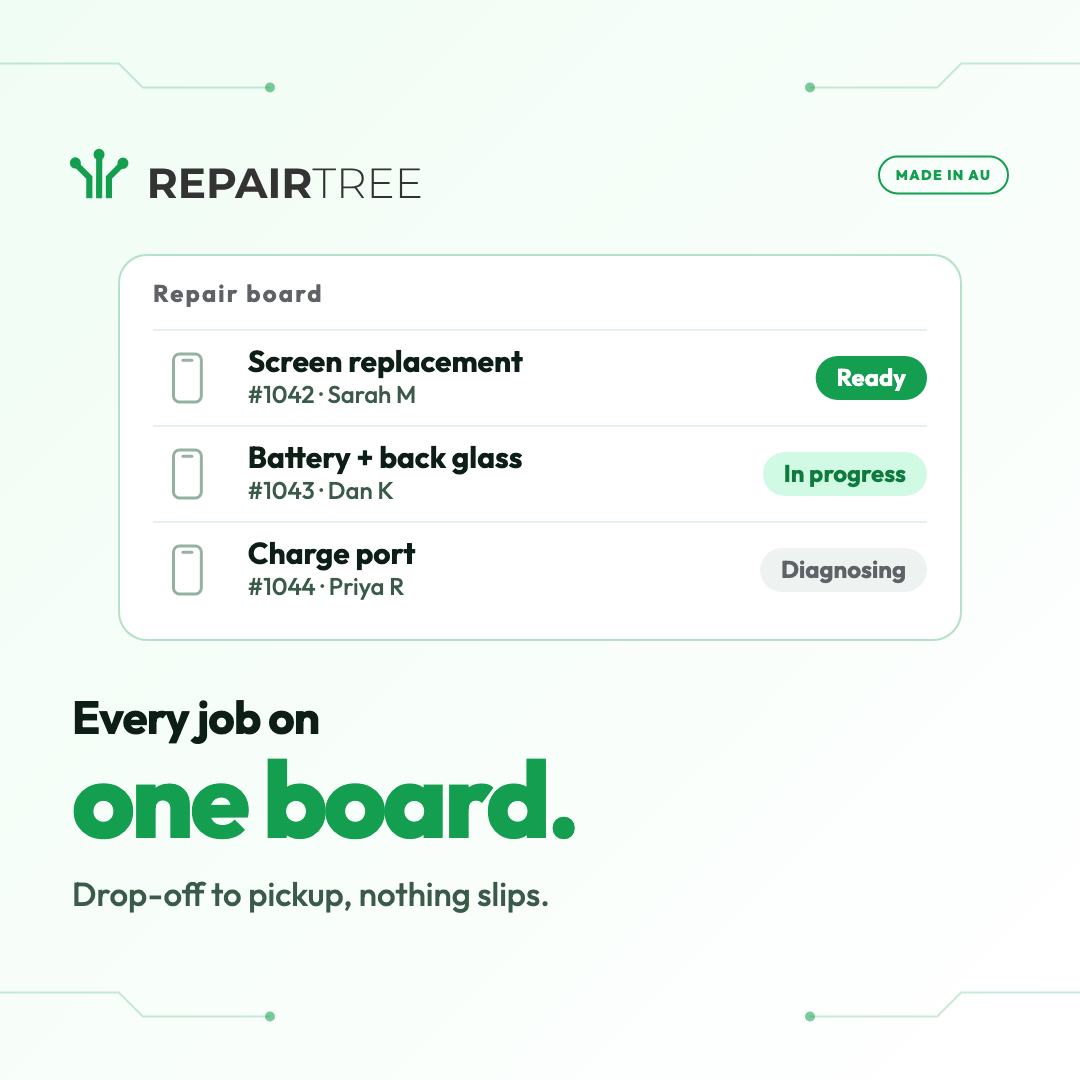
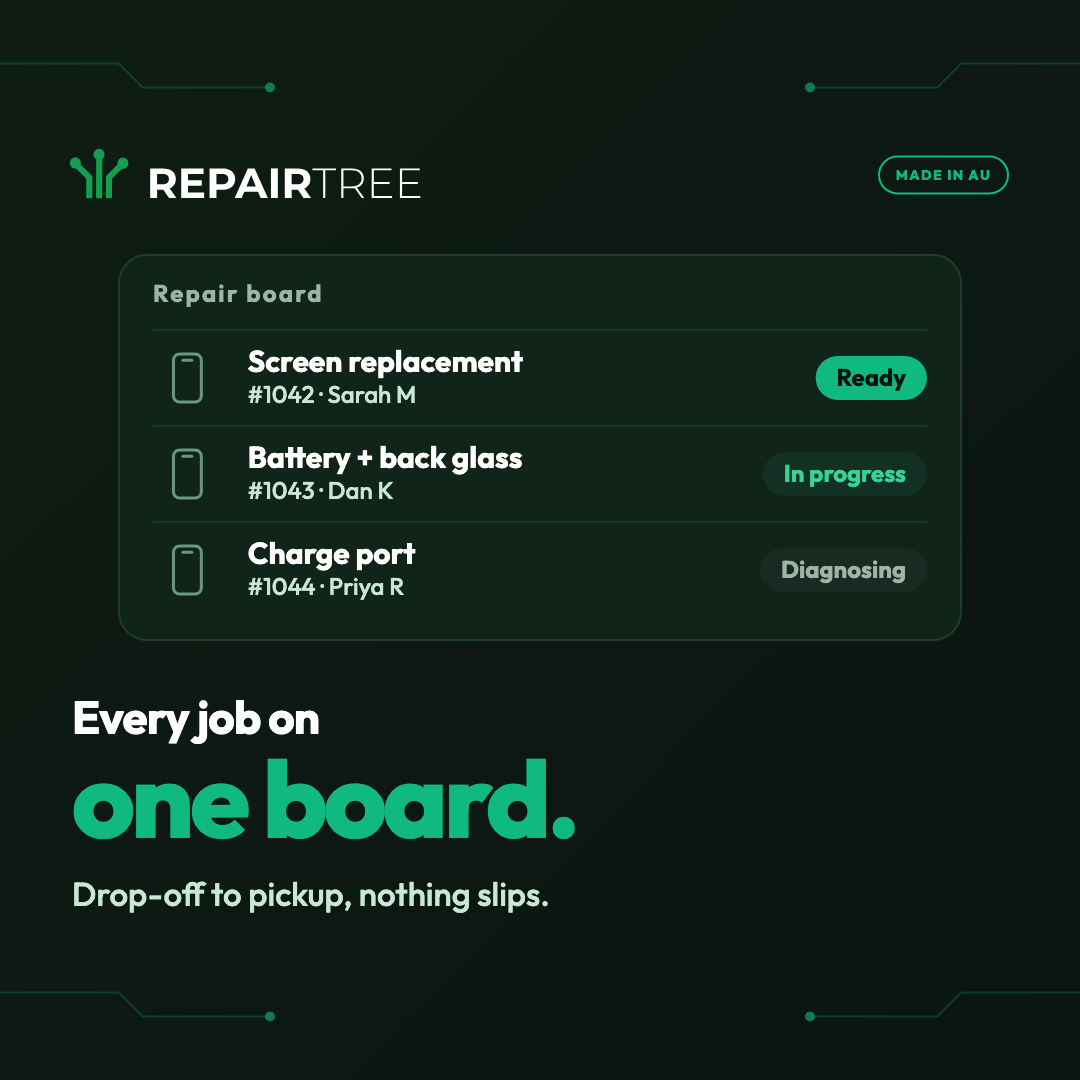
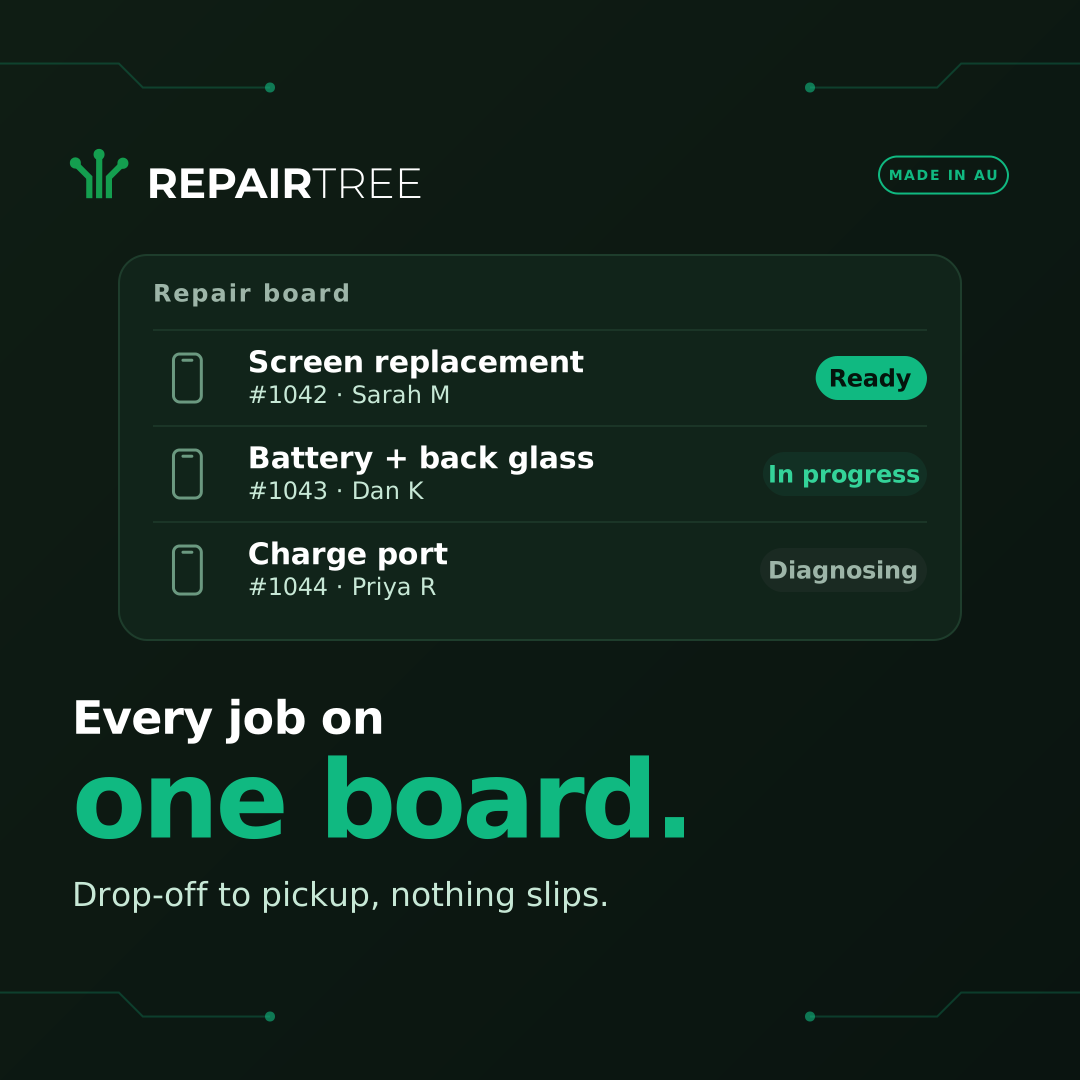
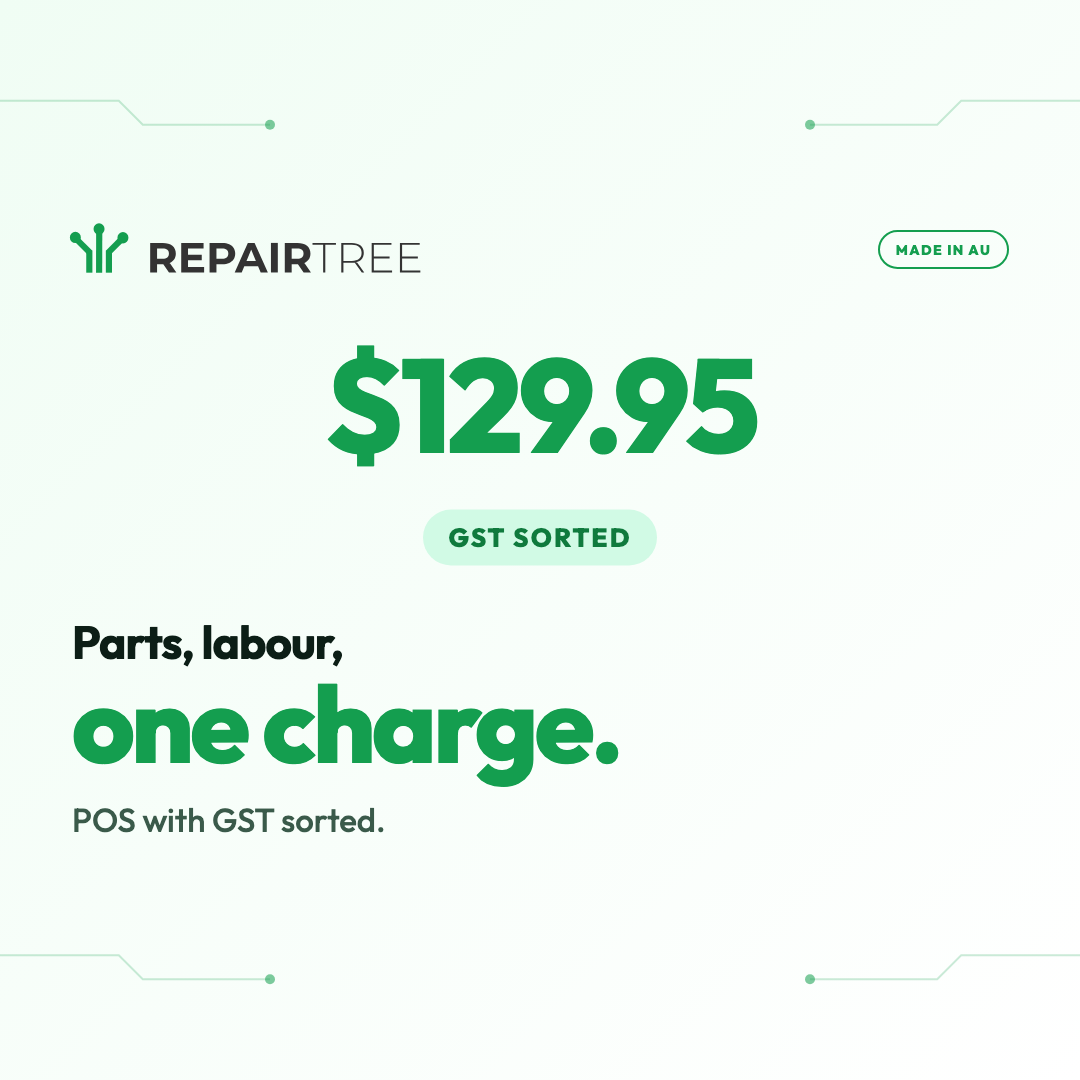
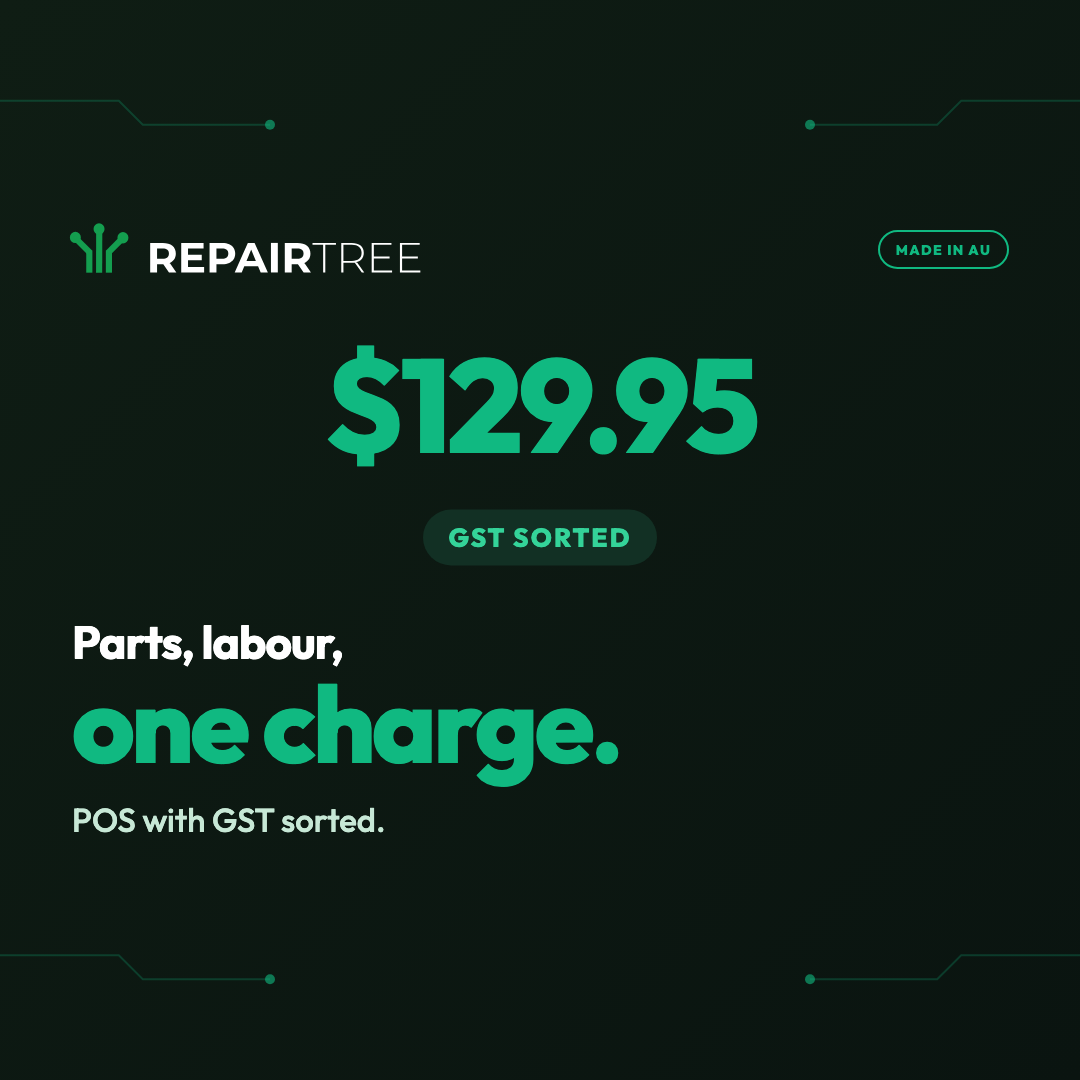
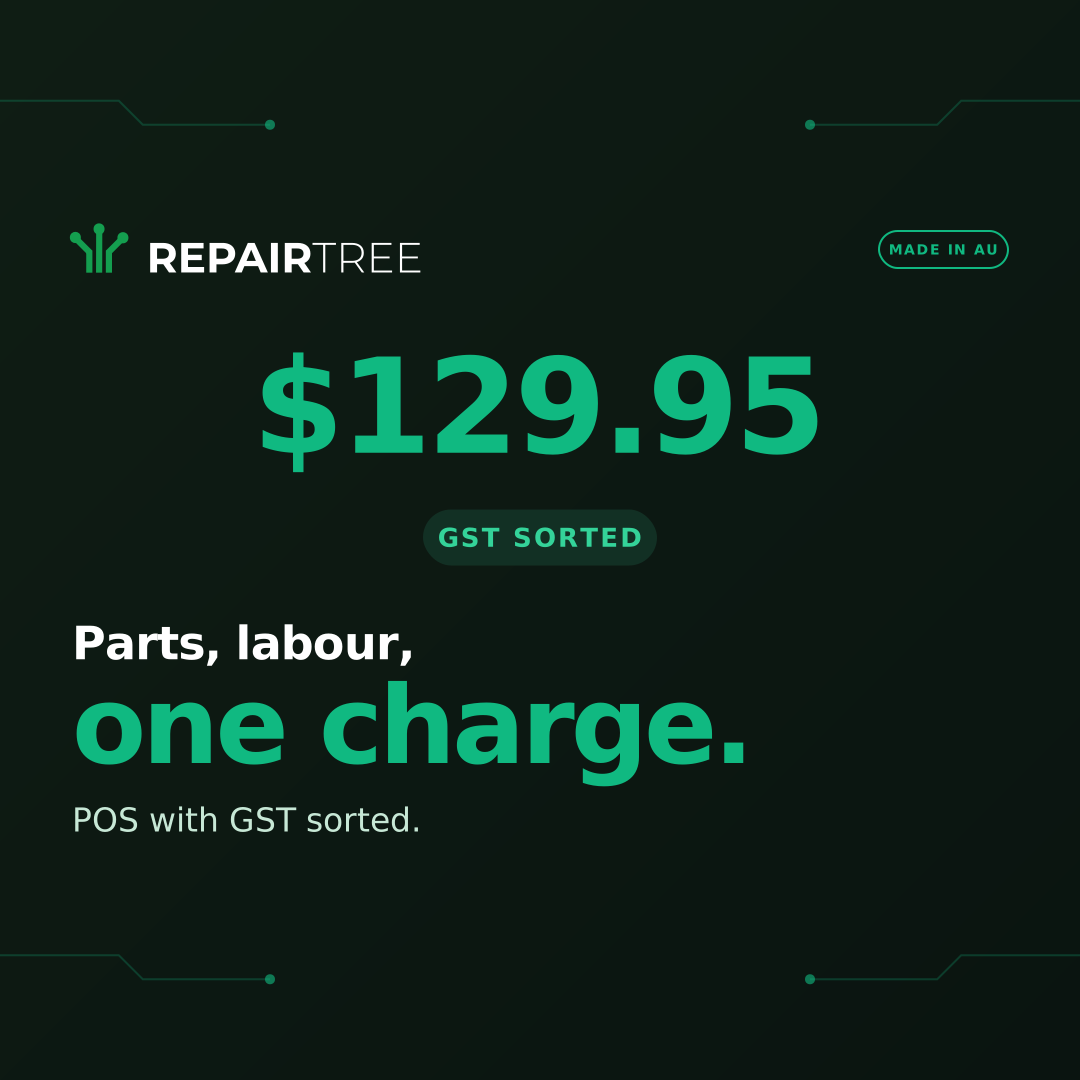
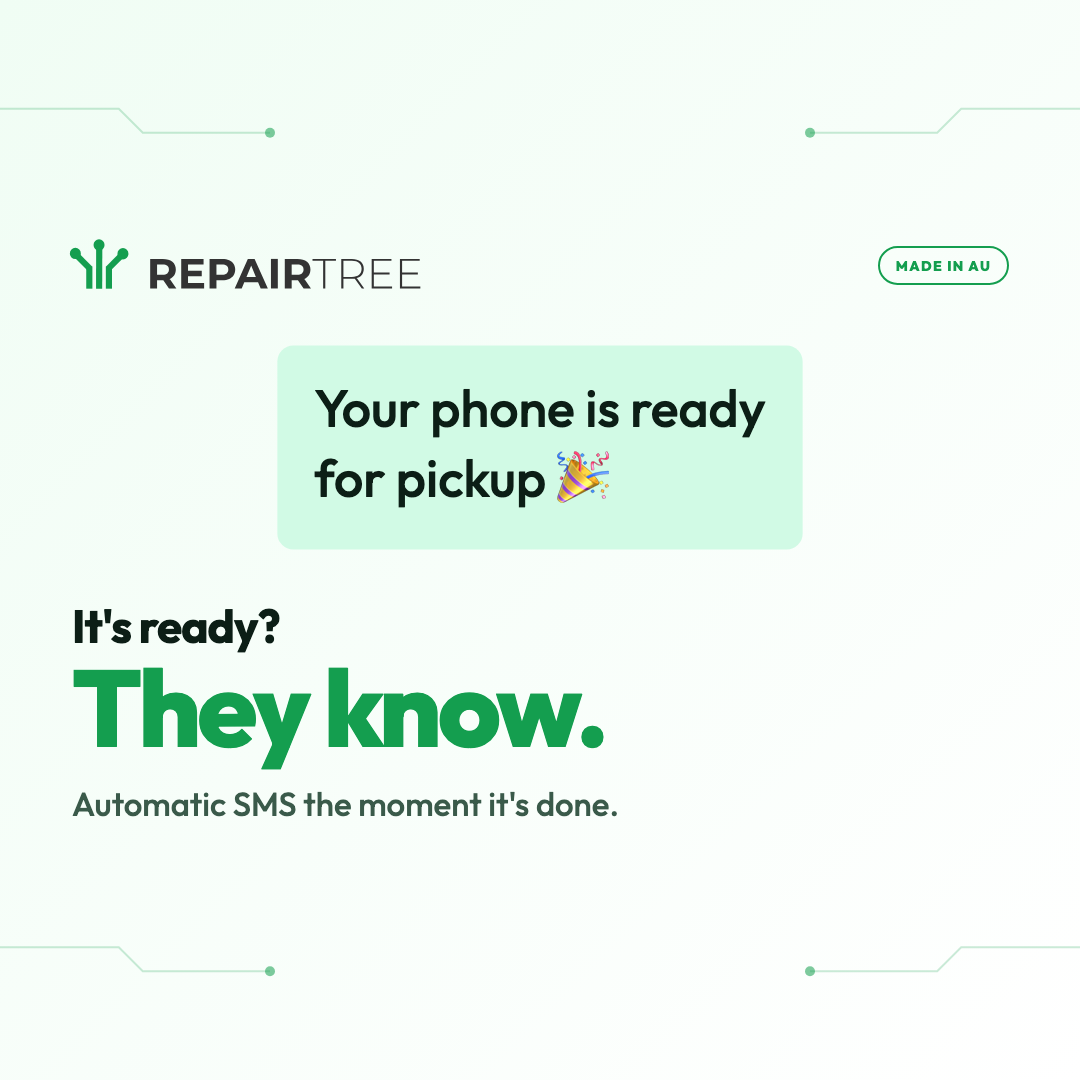
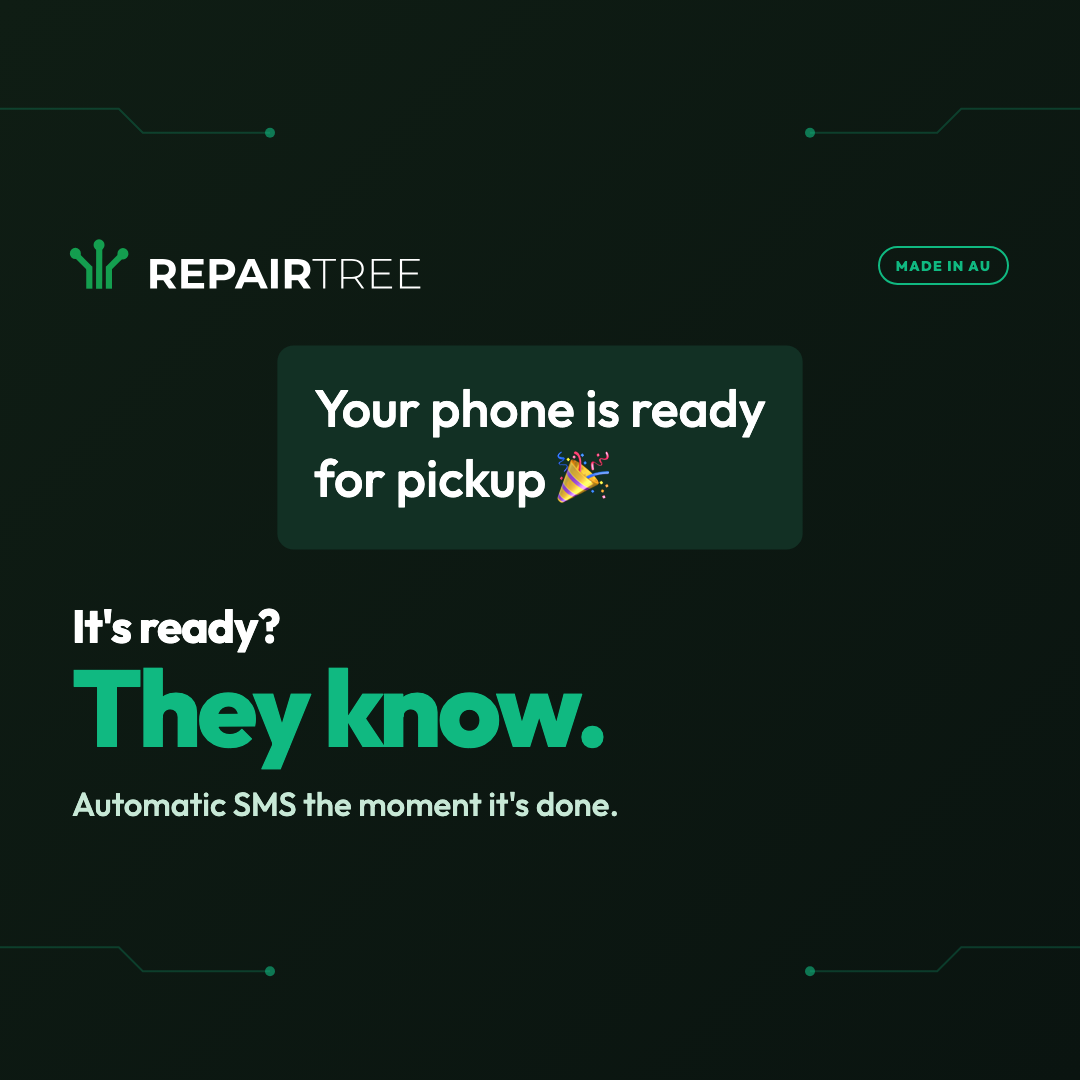
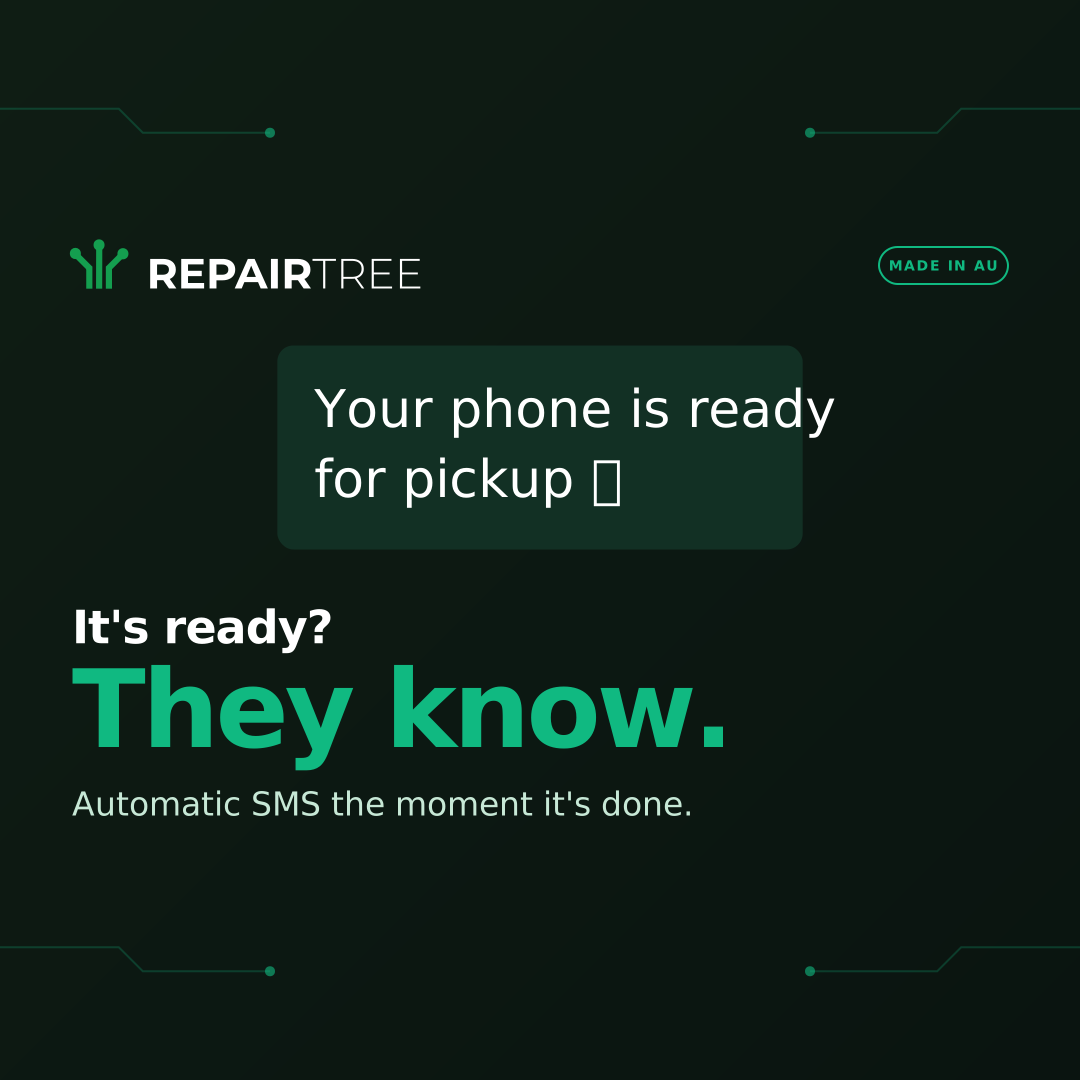
One promise per card — track, charge, text, grow. Run all four as a Meta carousel in that order; the last card is the one that carries the CTA and the proof line, so the first three can stay quiet and keep the swipe moving. Same 1080 × 1080 canvas as the square placement, light and dark.
Meta ad copy
The text fields that sit beside the creative above, written to fit each placement's character budget. Overflow isn't rejected by Ads Manager — it's quietly truncated in the live ad, so the counts matter. Pair any of these with the matching image and you have a complete ad.
Feed · Facebook & Instagram
The default ad set. Primary text is soft-capped — past roughly 125 characters the mobile feed collapses it behind “See more”, so the offer has to land before then. Running the IT creative? Swap “Phone” for “IT” in the headline and “phone” for “device” in the primary text so the copy matches the image.
- Primary text122 / 125
Track every phone from drop-off to pickup, take payment, and text the customer when it's ready. Free plan, no card needed.
- Headline26 / 27
Phone Repair Shop Software
- Description25 / 27
Aussie-built. Start free.
- Call-to-action button
Sign Up
Feed · pain angle
Pair this with the -pain creative. Same budgets as the default feed set, problem-first instead of category-first — worth running as its own ad set rather than swapping the copy under a live one, so the angle is what's being tested.
- Primary text119 / 125
Track every repair on one board — drop-off to pickup — with POS, parts and customer texts built in. Free plan, no card.
- Headline21 / 27
Ditch the spreadsheet
- Description25 / 27
Aussie-built. Start free.
- Call-to-action button
Sign Up
Feed · SMS moment
Pair this with the -sms creative. The image is the customer's text, so the copy stays on the same single idea rather than listing the rest of the modules.
- Primary text117 / 125
Your customer gets a text the moment their repair is ready. Fewer “is it done yet?” calls. Free plan, no card needed.
- Headline23 / 27
Automatic “ready” texts
- Description25 / 27
Aussie-built. Start free.
- Call-to-action button
Sign Up
Reels
Reels inverts the feed budget — the headline gets the room and the primary text is squeezed, so the feature rail carries the detail instead.
- Primary text37 / 40
Repairs, POS, invoicing, reports, AI.
- Headline44 / 55
Phone Repair Shop Software — POS, parts, SMS
- Call-to-action button
Sign Up
Reels overlay
The tightest field anywhere in Meta advertising. Ten characters, so it can only be the idea itself.
- Headline8 / 10
One app.
- Call-to-action button
Sign Up
Before you publish: turn on the Safe Zone Guardrail in Ads Manager for every vertical creative, and keep “free plan, no card” wording only while that's true of the current plan — it's a claim you have to be able to stand behind for the life of the campaign.
Product mockups
Stylised UI illustrations of the three screens shop owners spend the most time on. Drop them straight into ads, partner pages, decks and explainer posts — SVG, so they stay crisp at any export size. Each one carries the brand mark, so attribution is built in.
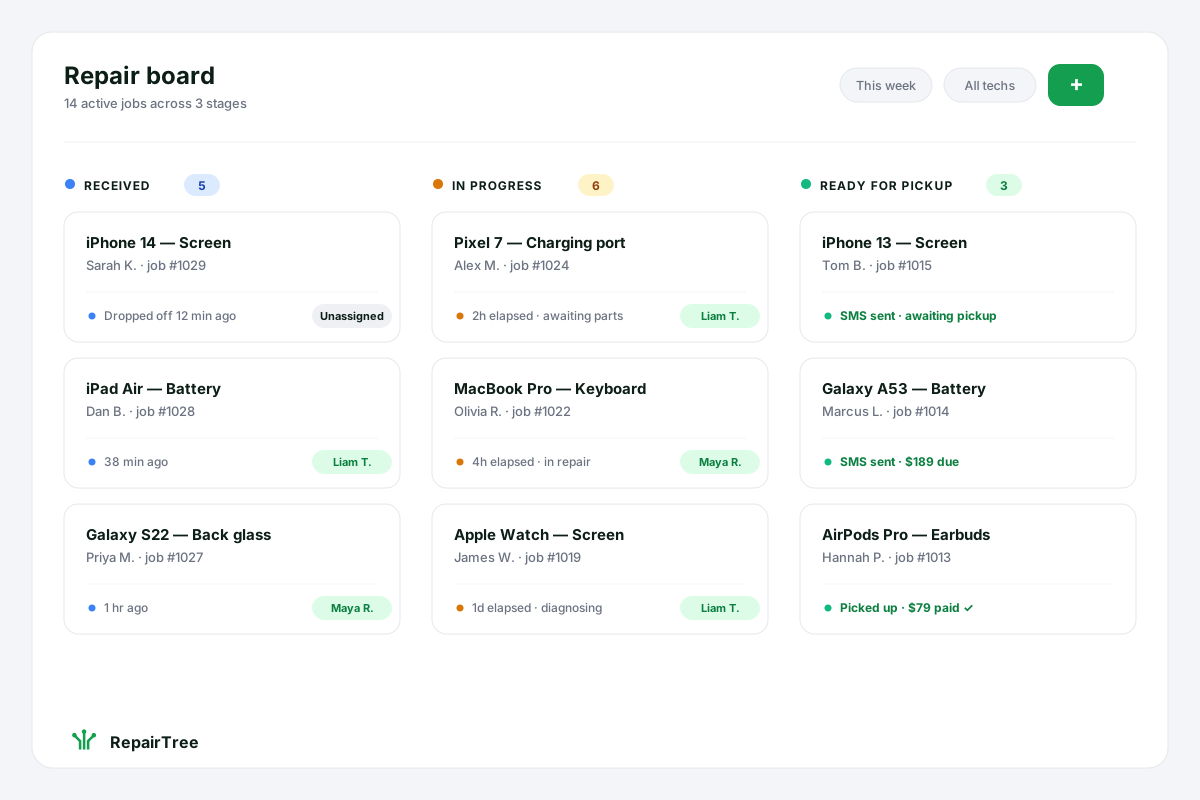
Repair board
The kanban-style workflow that's at the heart of every shop's day — drop-off, in progress, ready for pickup. Each card shows device, customer and elapsed time at a glance.
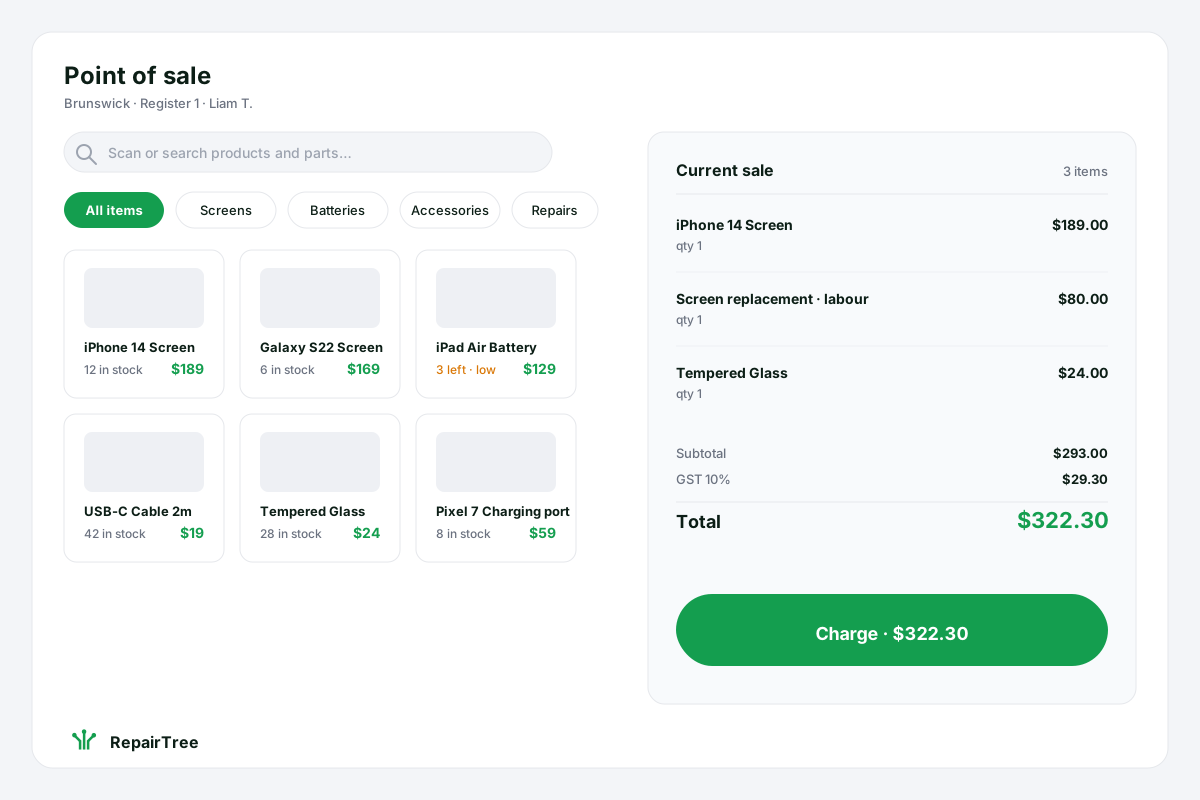
Point of sale
Sell parts, accessories and repair labour from one screen. Live stock counts, GST handled, a single big 'Charge' button at the bottom.
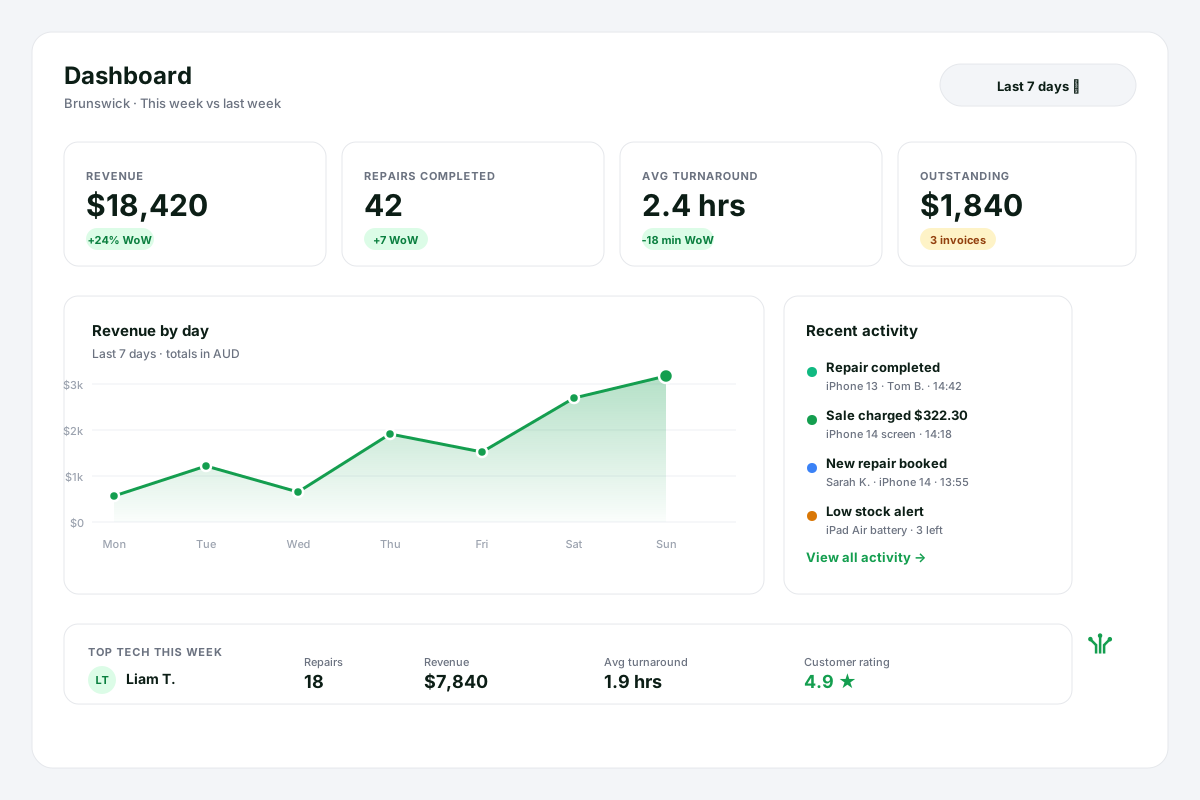
Dashboard
The owner's morning glance: revenue, repairs completed, average turnaround, outstanding invoices, top tech this week. Real-time, no spreadsheet wrangling.
Brand colours
Click a swatch to copy the hex code. RepairTree green is the only colour you need to get the brand right — the rest are supporting tones for backgrounds, text and quiet accents.
Boilerplate copy
Ready-to-paste descriptions of RepairTree in four lengths. Use whichever fits the space.
Tagline
RepairTree — repair management, simplified.
Short · ~25 words
RepairTree is repair-shop software that tracks every job from drop-off to pickup, takes payments, and keeps customers in the loop.
Medium · ~55 words
RepairTree is Australian-built repair-shop software. It tracks every device from intake to pickup, handles point-of-sale and invoicing in the same screen, manages parts inventory, and sends customers automatic status updates — so shops spend less time on paperwork and more time fixing things. There's a free plan with no time limit.
Long · ~200 words
RepairTree is repair management software built for busy phone, computer and electronics repair shops. From the moment a device is dropped off, every job moves through a clear status workflow — received, diagnosing, in progress, waiting parts, ready — so nothing slips through the cracks on a flat-out Saturday. Point-of-sale, invoicing, parts inventory and customer notifications all live in the same app, so the team isn't toggling between half a dozen tools. Customers get an automatic SMS or email the moment their repair is ready. Owners get a real-time dashboard showing turnaround times, technician workload, revenue and outstanding invoices at a glance. RepairTree is built and supported in Australia, runs on any modern browser, and has a free plan with no credit-card requirement and no time limit — so a one-tech operation can start the same day, and grow into a multi-store business without changing systems.
Headlines library
Ad-ready headlines grouped by angle — pick one per ad set and A/B test against the others. They're punchy on purpose: the right place to add nuance is the description, not the hook.
Pain · busy shop
- Built for busy repair shops.
- Tracking 20 repairs at once shouldn't need a spreadsheet.
- Stop chasing parts, customers, and paperwork at the same time.
Benefit · one tool
- Repair tracking, POS, parts and customer SMS in one place.
- Everything your repair shop needs. One login, one bill.
- From drop-off to pickup, in one app.
Feature · customer comms
- Your customers get a text the moment their repair is ready.
- Automatic SMS updates. Fewer 'is it done yet?' calls.
- Texts your customers so you don't have to.
Pricing · risk reversal
- Free repair shop software. No card. No time limit.
- Try it on the busiest Saturday you've had. Free.
- If it doesn't save you time, you haven't paid a cent.
Trust · made in Australia
- Australian-built repair shop software.
- Made in Australia, used by repair shops nationwide.
- Supported by the same Aussie team that built it.
Quick facts
The headline numbers in one spot, for stub pages and directory listings.
- Founded
- 2012
- Based in
- Australia
- What it is
- Repair management software
- Free plan
- Yes — no card, no time limit
- Hosted at
- repairtree.app
- Operated by
- Confumo Pty Ltd
Brand usage & agency essentials
Everything an agency needs to keep paid campaigns on-brand, on-attribution, and on-message — without needing to come back and check with us first.
Two shops used to mean two versions of the truth. Now every job, every tech and every parts order sits in one place, and I can answer a customer's question about their repair without ringing the other store.
Stats & claims you can use
Numbers and one-liners that are safe to put in ad copy today.
1M+
Repairs tracked through RepairTree
100+
Repair shops on the platform
Free
Forever plan · no credit card, no time limit
AU
Built and supported in Australia
Pronunciation & spelling
- RepairTree, one word, two capitals. Not “Repair Tree” or “repairtree” in body copy.
- Pronounced re-PAIR-tree.
- Acronym is fine in URLs and tracking (“RT”), avoid it in customer-facing copy.
Voice & tone
- Friendly, plain English. We talk like the tech behind the bench, not a marketing team.
- Concrete over abstract: “texts your customers” beats “customer comms platform”.
- Aussie spelling (organise, colour, customise). No emoji clutter.
Hashtags
UTM convention
Add these to every paid link so the traffic shows up correctly in our metrics. Source = platform, medium = campaign type, campaign = your slug.
?utm_source=facebook&utm_medium=paid_social&utm_campaign=repair_shops_q3Logo do's and don'ts
Do
- Use the SVG files we ship — they're vector and stay crisp at any size.
- Keep the green at
#149e4f, or use the light variant for dark backgrounds. - Leave clear space equal to the height of the leaf mark on every side.
- Lock the leaf and wordmark together as a unit.
Don't
- Recolour the leaf or wordmark to any other green (or any other colour).
- Stretch, skew, rotate, or drop-shadow the mark.
- Place the logo on a busy photo without a solid backplate behind it.
- Re-create the wordmark in a different font — use the SVG.
Press contact
Working on a story, comparison or partner page? Hit us up directly — a real person on our team will reply, usually within one business day.
Ad creative
Ready-to-run ad imagery, one asset per Meta placement, each in light and dark. Upload the PNG — Ads Manager doesn't accept SVG. The SVG is there for reworking the layout in a design tool. Every vertical asset is composed inside Meta's 9:16 safe zone, so nothing that matters ends up under the profile row or the caption. Max file size on Meta is 30 MB; the largest of these is under 500 KB.
Each placement ships in cuts. Phone repair is the default; IT repair swaps the headline and the repair-board jobs for laptop work; Product shot replaces the drawn board with the real suite running on a monitor, iPad and phone — feed placements only, since a landscape shot has nowhere to breathe in a 9:16 safe zone. Two more cuts lead with the message rather than the category: Pain angle opens on the hook and closes on a proof strip, and SMS moment hands the whole frame to the text your customer actually gets. Previews below show the phone cut. One thing worth knowing before you split the budget: against a white mobile feed the dark cut has far more stopping power, so run dark for feed placements and A/B it against light rather than assuming light is the safe default.